12 min read
Learn how Sharp Digital successfully migrated a 200GB Nextcloud AIO deployment to a cloud VPS using split-storage architecture, SSH piping, and rsync for zero-downtime migration.

A recent client required the migration of a local Nextcloud All-in-One (AIO) deployment to a remote Virtual Private Server. The local machine hosted over 200GB of active user data inside a PostgreSQL-backed Docker environment. The primary goal involved transplanting the entire application—including all user accounts, specific passwords, and existing share links—to the cloud without data loss or prolonged downtime.
Sharp Digital designed a split-storage infrastructure to optimize both speed and operational costs on the target server.
We mapped the core application files and the database directly to the server's high-speed NVMe drive. We then mounted a high-capacity 5TB network storage box to house the 200GB of heavy user files. This division guarantees rapid web interface load times while managing bulk data cost-effectively.
Overcoming Local Storage Limitations: The source machine lacked the free disk space required to generate a local database backup archive. We bypassed this physical limitation by utilizing SSH piping. Our team executed a PostgreSQL database dump within the local Docker container and streamed the output directly through an SSH tunnel, writing the SQL file straight to the target server's NVMe drive.
Secure Data Transfer: Moving 200GB of data requires a fault-tolerant approach. We initiated the transfer using rsync within a tmux virtual terminal session. This setup detached the transfer process from the active SSH connection. If the local network dropped or the machine entered sleep mode during the 14-hour upload, the virtual session kept the transfer running seamlessly in the background.
Deployment and Assembly: Once all files reached the target server, we applied strict UID 33 (www-data) ownership permissions across both the NVMe directories and the mounted network drive. We deployed a custom Docker Compose file matching the original AIO container names. We booted the PostgreSQL container first and injected the streamed SQL backup file directly into it. After verifying the database injection, we launched the remaining Nextcloud and Redis containers.
Routing and SSL Configuration: To manage public access securely, we deployed Nginx Proxy Manager (NPM) in an isolated Docker environment. After updating the domain's DNS A-records, we configured NPM to forward web traffic to the Nextcloud container on port 8080. NPM automatically generated and applied Let's Encrypt SSL certificates to ensure full HTTPS encryption. We finished the routing phase by whitelisting the new domain within Nextcloud's config.php file to prevent untrusted domain errors.
Performance Optimization: We switched Nextcloud's maintenance tasks from web-triggered AJAX to a dedicated server-level cron job, executing invisibly every five minutes. We confirmed the config.php file accurately pointed to the active Redis container for query caching and file locking. We utilized the Nextcloud occ command-line tool to scan the transplanted database and build any missing speed indices required by the newer application version.
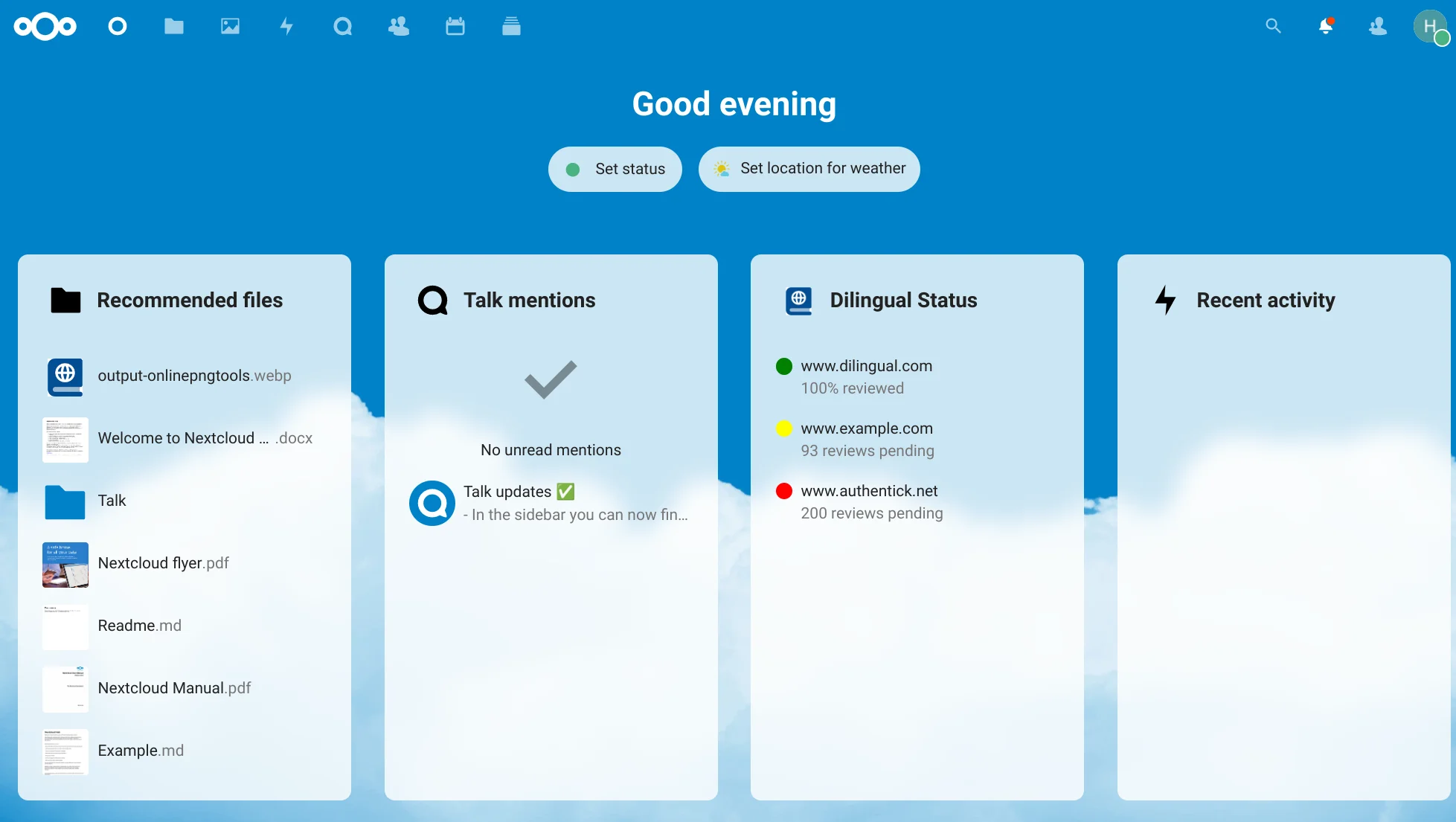
Sharp Digital successfully migrated the 200GB local environment to a robust, fully encrypted cloud platform. The split-storage architecture maximizes UI speed, the automated cron jobs eliminate user-facing lag, and the exact preservation of the PostgreSQL database means all end-users retained uninterrupted access to their files and accounts.
Discover more insights about web development and digital marketing